You didn’t change your mind. You just closed the tab.
CartReminders is a free browser extension, plus an optional phone app, that saves the shopping carts you leave behind, at every store you shop at, and reminds you once at a time you pick. It never buys anything for you and never hands your carts to anyone else.
Free, no account needed to start. Browser extension plus an optional app.
Cart abandonment in numbers
7 in 10
Carts are abandoned before anyone reaches checkout
48%
Walk away over shipping costs and fees at the last screen
1 in 4
Leave simply because they were made to create an account
0
Emails we send on a store’s behalf. The reminder is yours
Published industry benchmarks, rounded.
Almost never because the thing was wrong.
01
You wanted to think about it
Waiting a few days on a €180 coat is a reasonable thing to do. The trouble is the tab closes and three weeks later you remember the coat but not the shop. We keep it, and bring it back when you said to.
02
The last screen surprised you
Shipping, duties, a service fee at the end. You close the tab on principle. We keep the cart and watch the total, so if the price or the free-shipping threshold changes you hear about it once.
03
Eleven carts, eleven shops
Every store keeps your cart behind its own login, for however many days it feels like. Your carts sit in one list instead, whoever you were buying from.
04
Sometimes you meant to stop
Clear a cart and it is gone. No follow-up, no second attempt a week later. Plenty of people use the list mainly to decide against things, which is fine by us.
Three steps, then you can forget about it.
Step 01
Add it and carry on shopping
One click in your browser, or the app on your phone. No account, no card, nothing to configure. Shop exactly as you did yesterday.
Step 02
Leave a cart, keep the cart
When you close a tab with something in it, the cart is saved to your list with the items, the total and a link straight back to it.
Step 03
You choose the nudge
Tomorrow, next payday, or never. One reminder at the moment you picked, with the price as it stands today — then it stops asking.
Everything you half-bought, on one page.
Price drops and expiring carts come first, then whatever you have been carrying around longest. Buy it, snooze it, or clear it.
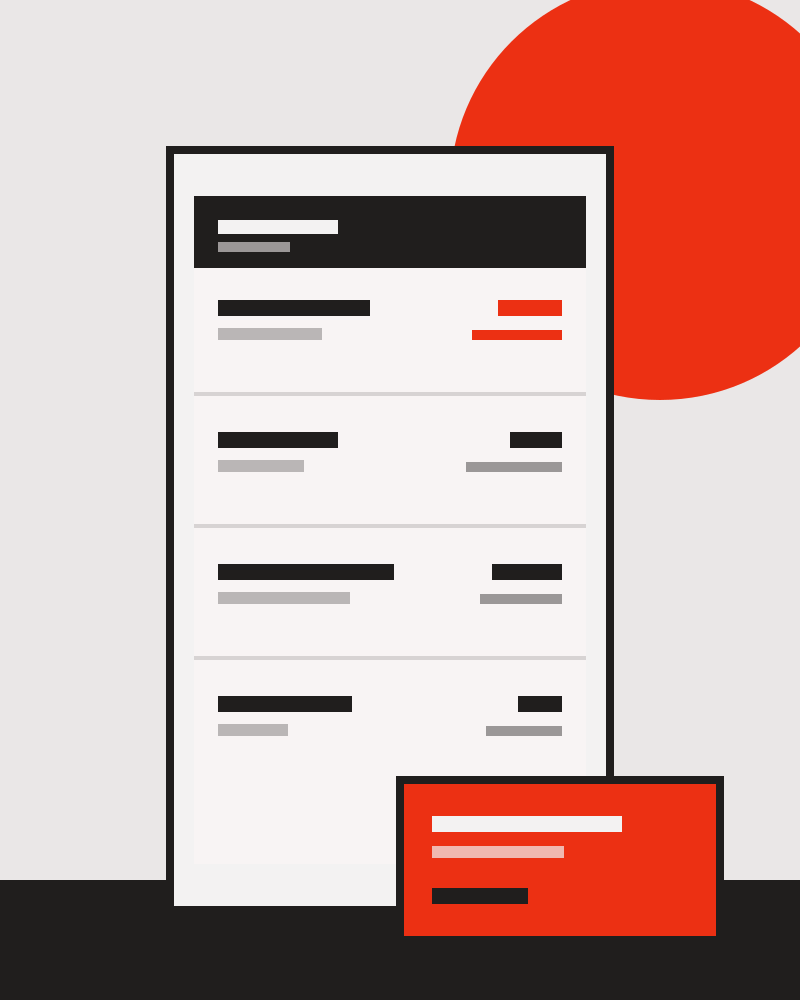
Store A
68.00
Item 1, Item 2
Price dropped
Store B
24.50
Item 1
Snoozed to the 28th
Store C
142.00
Item 1, Item 2, Item 3
Left 3 weeks ago
Store D
9.90
Item 1
Back in stock
A reminder tool has no business selling you.
The rules are short enough to fit here rather than in a policy page. If any of them stops being true, uninstall us.
| What we do | What we never do |
|---|---|
| Read the page only when there is a cart on it | Track your general browsing |
| Keep your carts encrypted, on your device by default | Sell or share your carts with stores or brokers |
| Send one reminder, at the time you set | Email you on a store’s behalf |
| Delete a cart the moment you clear it | Keep a shadow copy for “insights” |
| Work without an account | Require your card to use the free version |
Mostly people who were tired of losing track.
“I snooze everything to the 28th and then decide once, with a clear head.”
“It told me the boots had dropped forty euros. I had forgotten which shop they were in.”
“Honestly I use it to not buy things. Seeing the list is usually enough.”
Common questions about CartReminders.
What is CartReminders?
CartReminders is a free browser extension, with an optional iPhone and Android app, that saves the shopping carts you leave behind at any store and sends you one reminder at a time you choose.
Is CartReminders free?
Yes. One list of carts is free, and CartReminders never requires your card to use the free version.
Do I need an account?
No. CartReminders works without an account. Adding it takes about fifteen seconds, and there is nothing to configure afterwards.
Which browsers and devices does it work on?
CartReminders works in Chrome, Safari, Firefox and Edge, with iPhone and Android apps if you want the reminders on your phone.
How many reminders will it send?
One, at the moment you picked, with the price as it stands that day. CartReminders then stops asking, and it never emails you on a store’s behalf.
Does CartReminders sell or share my carts?
No. Carts are kept encrypted, on your device by default, and are never sold or shared with stores or data brokers. Clearing a cart deletes it rather than hiding it.
Will it buy anything for me?
No. CartReminders saves carts and reminds you about them. It never completes a purchase on your behalf and never tracks your general browsing.
What does it cost a store?
Nothing, and stores are not involved. The reminder is yours, sent by CartReminders to you, not an abandoned-cart email sent by the shop.